
Feature
WhatsApp Automation: No-Code Flows That Reply and Follow Up
Automate the replies, the follow-ups, and the waiting so your team can focus on the conversations that matter.
Connect Wasl automation lets you build guided WhatsApp flows without code: instant auto-replies, button-led journeys, scheduled follow-ups, and business-hours handling, all set up from ready-made recipes.
What can you automate on WhatsApp?
You can automate the moments that usually slip: the instant reply to a new message, the guided journey that qualifies a lead, the follow-up that would otherwise be forgotten, and the way you handle messages that arrive outside business hours.
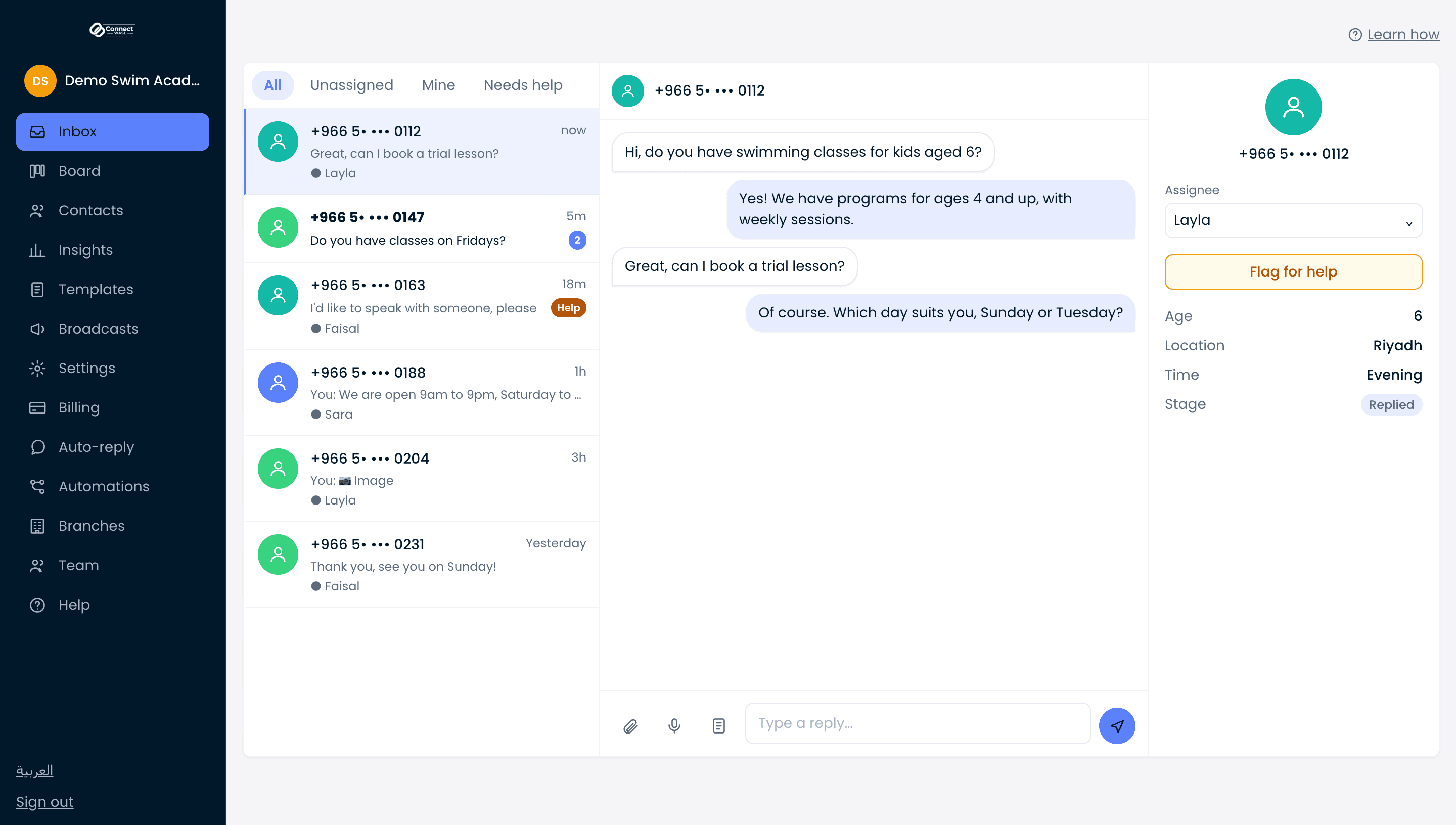
Every flow runs inside Connect Wasl, so it works alongside your shared team inbox and, on Enterprise, your AI replies. Automation handles the repetitive path, and anything that needs a person is routed straight to your team.
How do you build a flow without code?
You build flows with buttons, not keywords or free-text bots. Each step offers your customer clear choices, and their tap decides where the conversation goes next. There is nothing to script and no developer to hire.
Start from a prebuilt recipe, adjust the wording and the buttons to fit your business, and publish. Because journeys are button-guided, customers always know what to do and your flows stay predictable.
Can you schedule follow-ups and handle after-hours messages?
Yes. You can add timed waits inside a flow so a follow-up message goes out later, automatically, without anyone remembering to send it. That keeps leads warm and moves conversations forward on their own.
You can also set business hours, so messages that land after you close get an immediate, appropriate reply. Customers feel looked after around the clock, even when your team is offline.
How does automation hand off to your team?
Automation never traps a customer. When a conversation needs a human, it is passed to your shared team inbox where a real person can take over with full context.
Connect Wasl is an approved Meta Tech Provider, so we set you up on official WhatsApp and handle the technical work, and you connect through your own Meta Business account and pay Meta directly for messaging. Meta business verification is not required to start but is recommended because it raises your sending limits.
What you get
No-code flow builder, no developer required
Instant auto-replies to new messages
Scheduled follow-ups with timed waits
After-hours handling with business hours
Prebuilt recipes to launch fast
Button-guided journeys, no keyword bots